
Appearance
Secrets & Step Credentials
Admin → Secrets stores encrypted credentials that workflow steps can use instead of the server-wide environment variables. Secrets are versioned — updating a secret creates v2, v3, … and steps can pin a version or track latest.
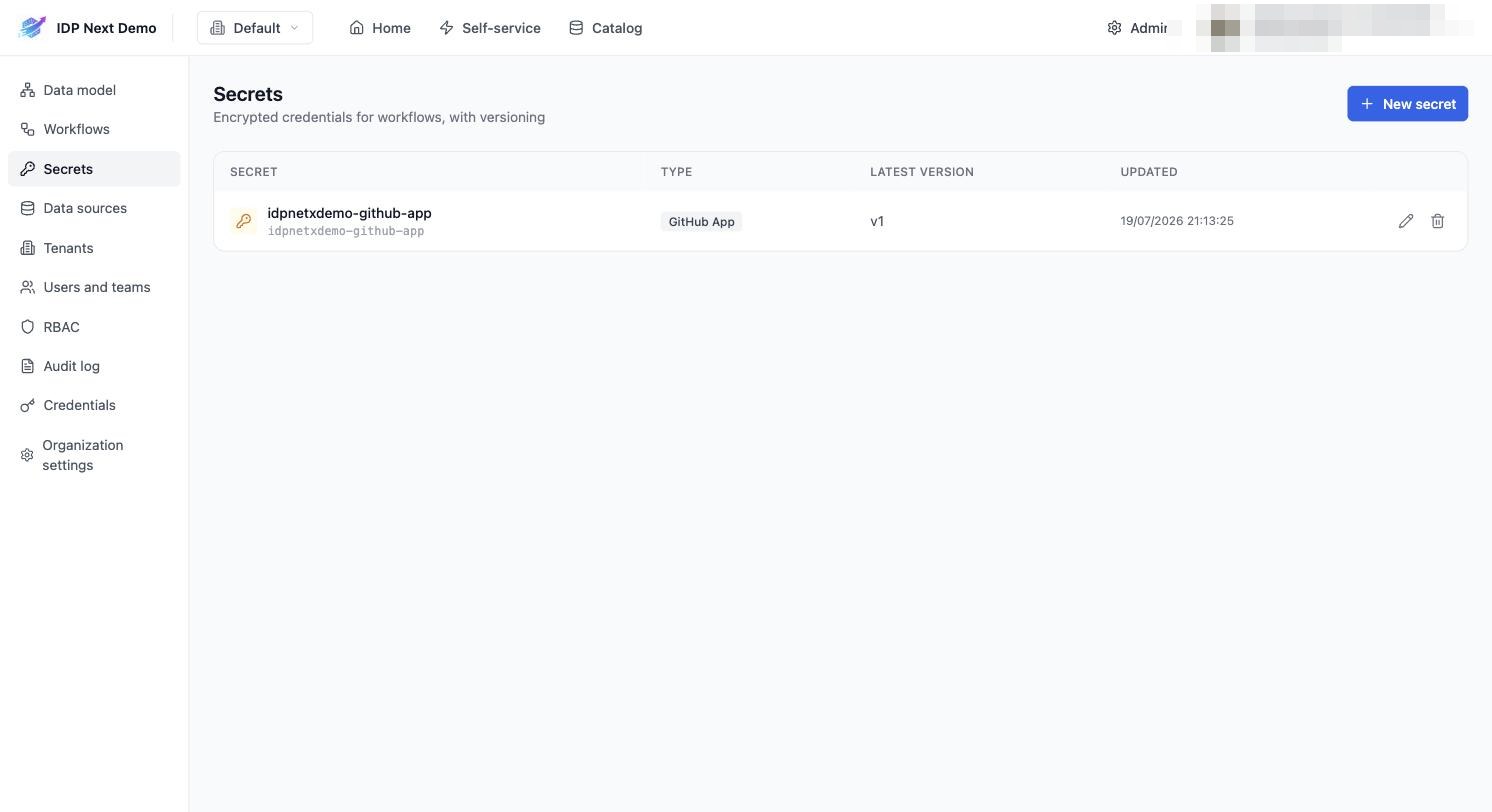
Create a secret
- Admin → Secrets → + New secret.
- Pick a type — e.g. GitHub App (app id + private key + installation id) or a generic token type.
- Give it an identifier (the demo uses
idpnetxdemo-github-app) and paste the credential material. - Save. The value is encrypted at rest (
SECRETS_ENCRYPTION_KEYon the server) and never displayed again; you can only create new versions.
Use it in a workflow step
In the step configuration panel, switch Credentials from Default (environment) to Stored secret and select the secret — or in JSON:
json
"config": {
  "org": "idpnextdemo",
  "repo": "orders-service",
  "workflow": "deploy.yml",
  "credentials": {
    "source": "secret",
    "version": "latest",
    "secretIdentifier": "idpnetxdemo-github-app"
  }
}
"version": "latest"— always use the newest version (rotations picked up automatically)."version": "3"— pin a specific version.
Why per-step credentials?
- Least privilege — a workflow deploying to org A can't use org B's App.
- Rotation without redeploy — rotate in the UI; steps using
latestswitch instantly. - Multi-org setups — different GitHub Apps/tokens per step in the same workflow.
Back up the encryption key
Secrets are encrypted with the server's SECRETS_ENCRYPTION_KEY. If that key is lost, stored secrets are unrecoverable — back it up when you back up the database.
That completes the platform setup. Next: use what you built →