
Appearance
The Self-Service Portal
Click Self-service in the top navigation. This is where you run the workflows your platform team published:
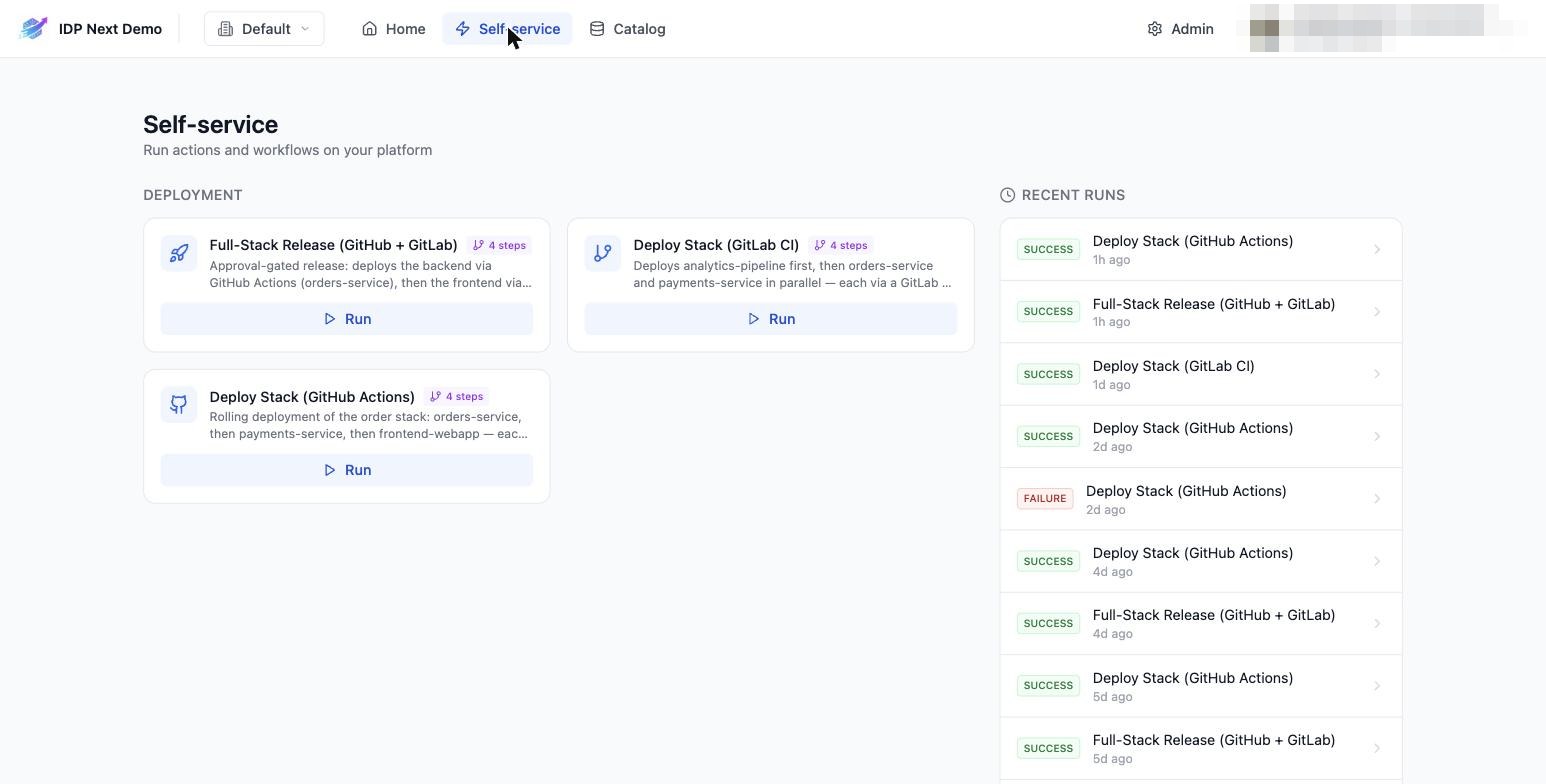
The page has two halves:
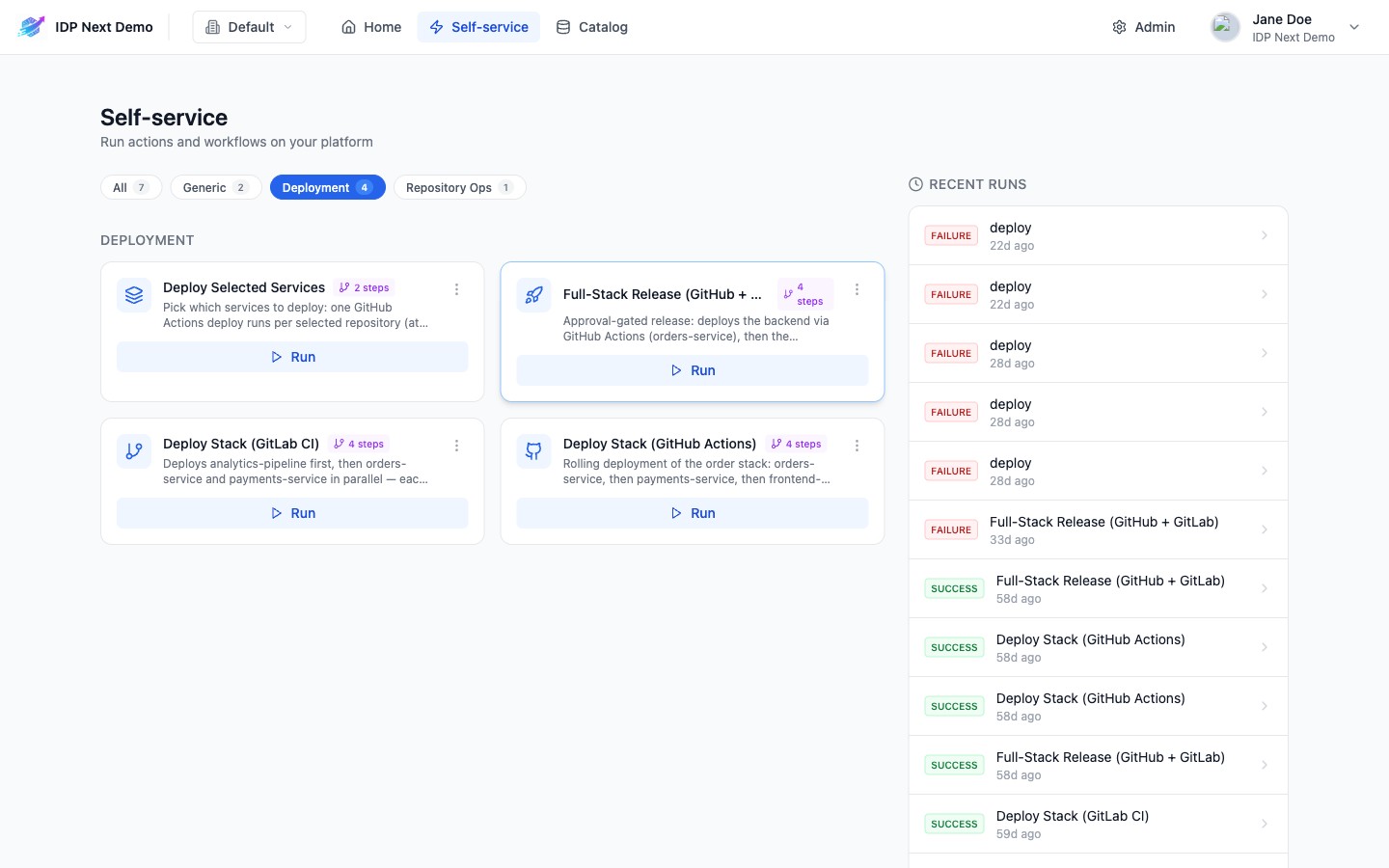
- Left — workflow cards, grouped by category (the demo's deployments are under Deployment, the bulk audit under Repository Ops; workflows without one land under Generic). When there is more than one category, a row of chips at the top lets you keep only one — the choice is kept in the URL (
?category=Deployment) so it survives a refresh and can be shared. Each card shows the title, description, step count, and a Run button. - Right — Recent runs: the latest executions with status badges (
SUCCESS,FAILURE,IN PROGRESS). Click any run to open its details page.
Running a workflow — the general pattern
- Click Run on a card.
- Fill the input form (fields, defaults and dropdowns are defined by the workflow).
- Click Execute.
- You're redirected to the run details page, where steps execute live.
Entity pickers
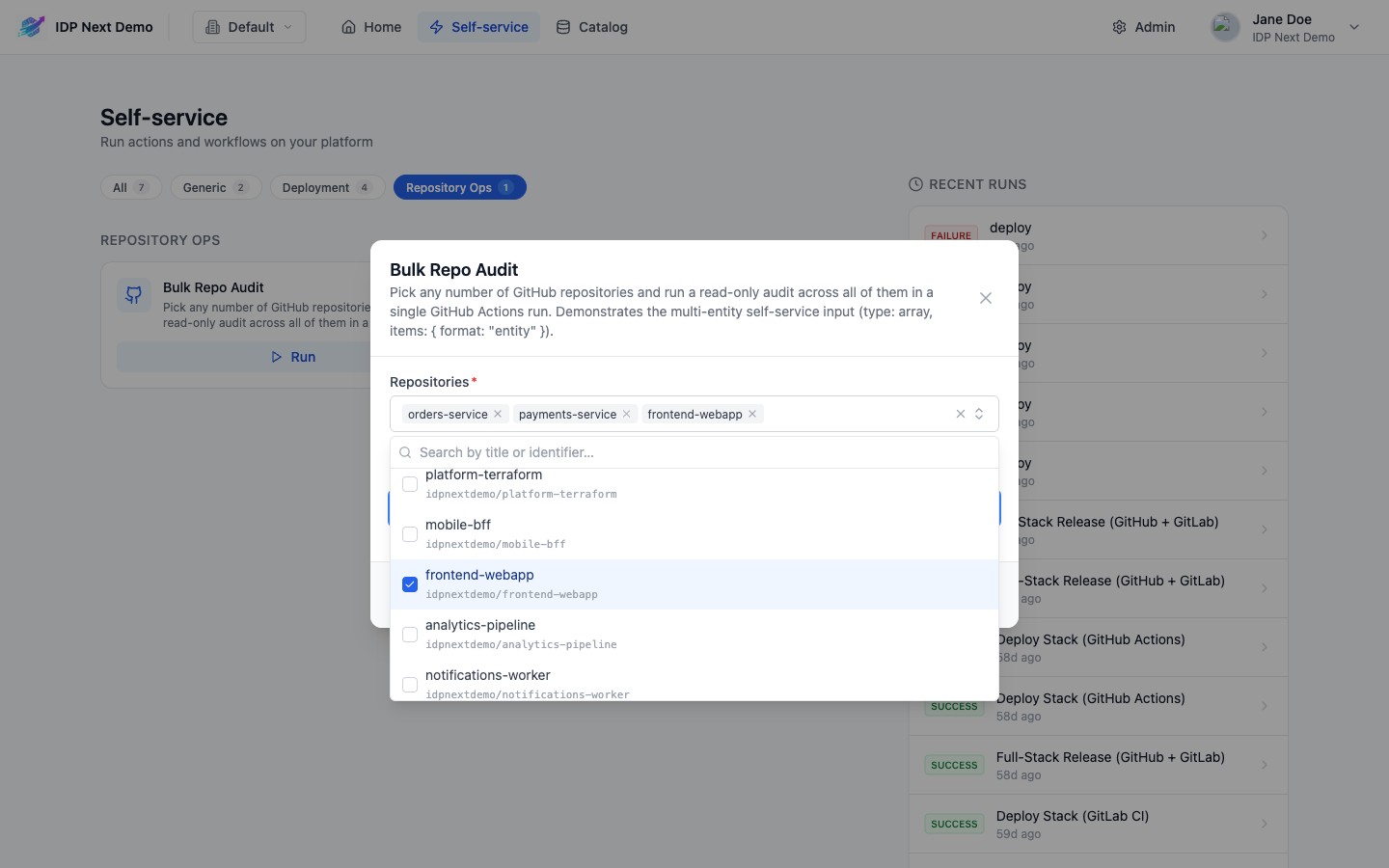
Some fields select catalog entities. A single-entity picker is a searchable dropdown. A multi-entity picker (e.g. Repositories in Bulk Repo Audit or Services in Deploy Selected Services) is a checkbox list: type to search, tick as many entities as you need — the list stays open — and your selection appears as chips on the field (+N more after the first three). The list may be pre-filtered and ordered by the workflow, e.g. only the services that can be deployed, newest first.
The next two pages walk through each demo workflow end to end: