
Appearance
Users, Teams & RBAC
Users & Teams
Admin → Users and teams manages the member directory:
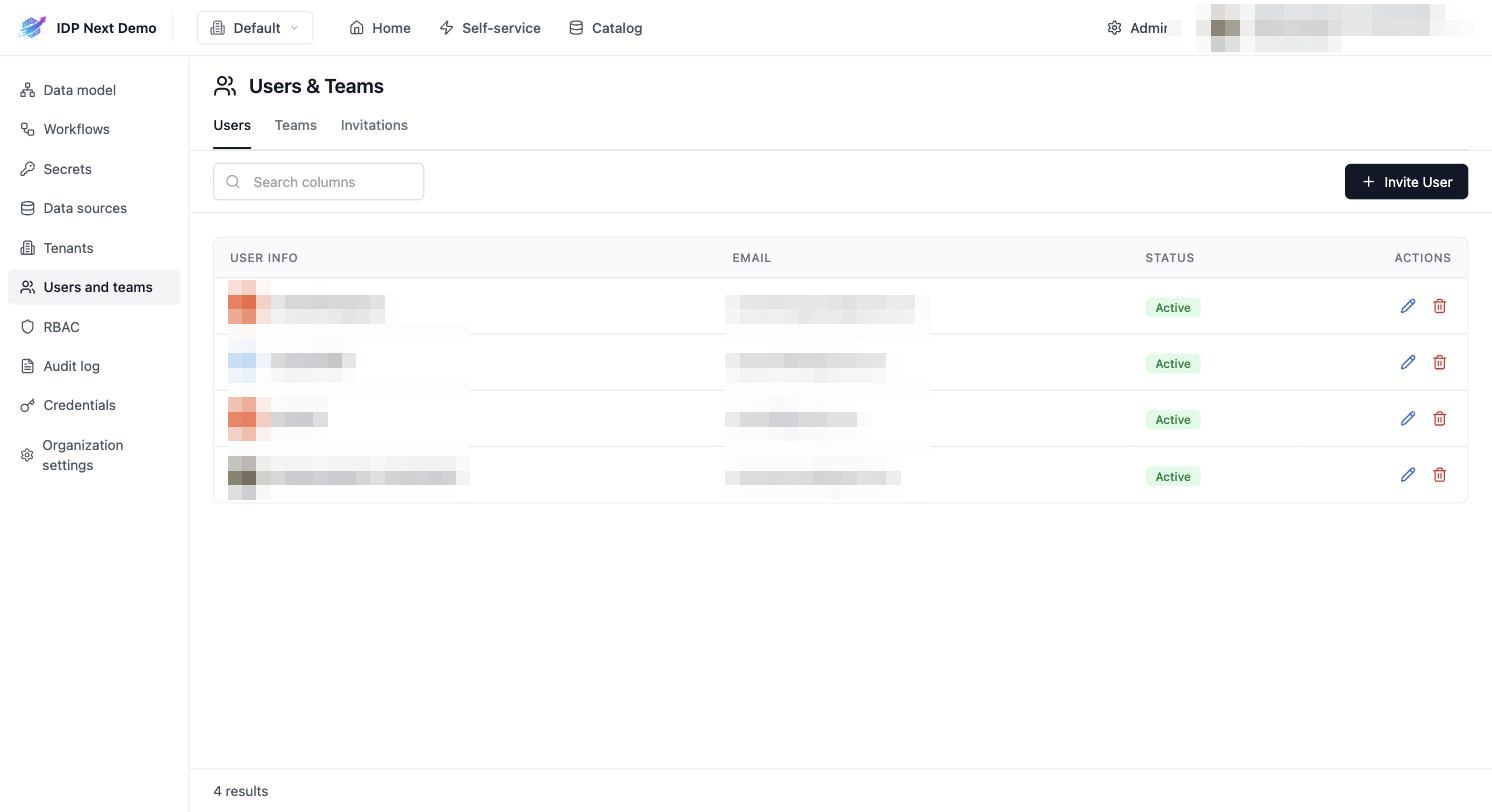
- Users — everyone in the organization, with status. Edit or remove via the row actions. Removing a user revokes all of their access to the organization in one step: organization membership, tenant access, team memberships and every RBAC role assignment scoped to the organization or its tenants are deleted, and the organization is cleared as their default. Access ends immediately.
- Teams — create teams and manage membership. A team is either organization-wide (no tenant) or tenant-scoped:
- An organization-wide team is listed in the Teams tab whichever tenant is selected, and gets a
_teamentity in every tenant's catalog with its memberships mirrored there — so RBAC grants,$teamownership rules and.user.teamsin workflow forms work the same in each environment. Deleting the team removes every copy. - A tenant-scoped team exists in that one tenant only.
- The team name is its catalog identifier; that is what
.user.teamscontains.
- An organization-wide team is listed in the Teams tab whichever tenant is selected, and gets a
- Invitations — click Invite User, enter an email; the invitee receives a link (
/invitations/accept/<token>) and joins the organization on first login. On accepting, they land directly in the organization they joined.
RBAC
Admin → RBAC assigns roles to principals — users, teams, or service accounts:
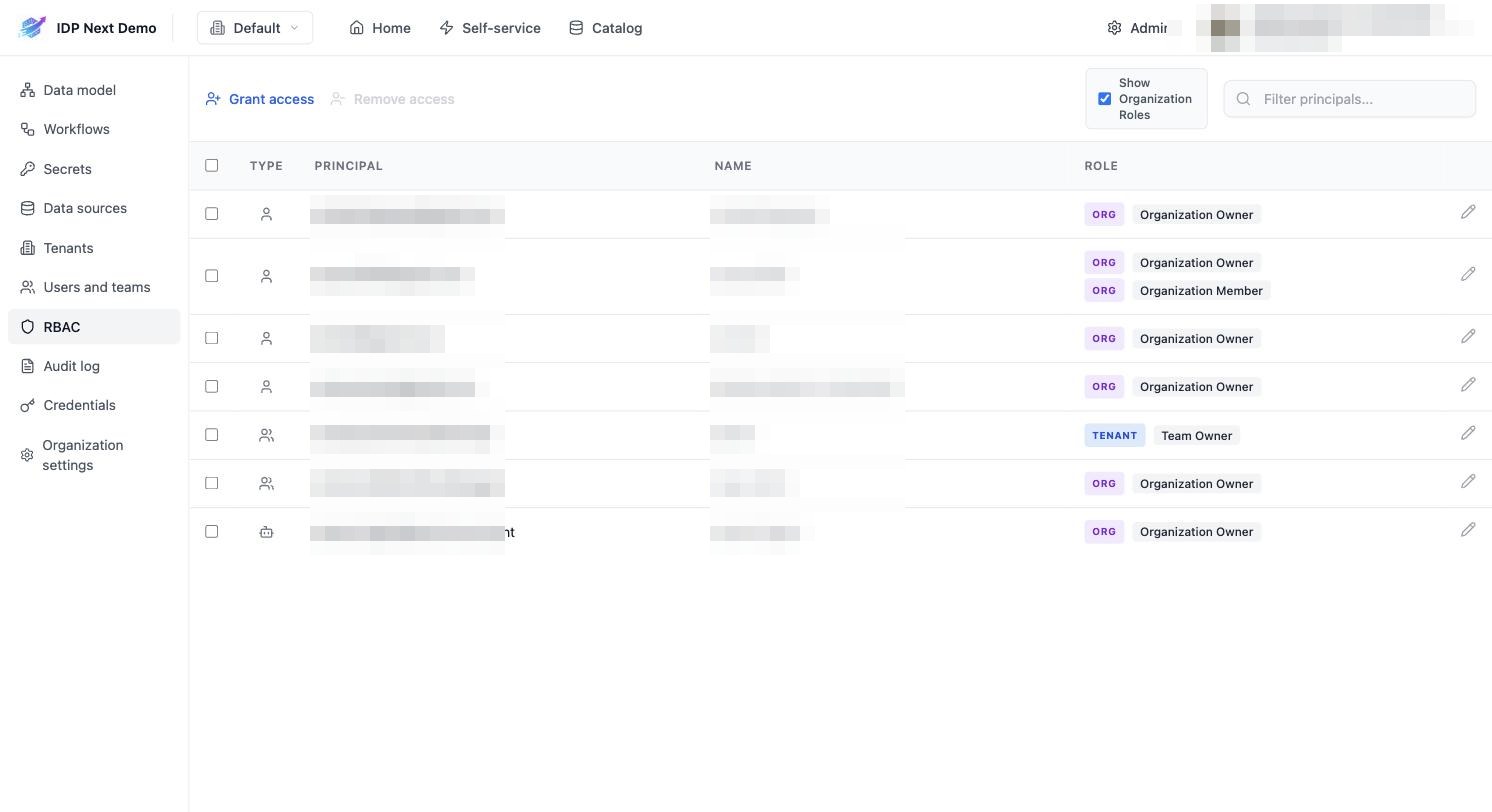
- Click Grant access.
- Pick the principal (user email, team, or service account).
- Pick the role and scope:
- ORG roles (e.g. Organization Owner, Organization Member) apply everywhere.
- TENANT roles (e.g. Team Owner) apply within one tenant.
Key things to know:
- Service accounts start with zero permissions. An Ocean exporter or CI integration will get
403s until you grant its service account a role here (the demo grantsocean-ingestOrganization Owner). - Changes take up to ~5 minutes — permission denials are cached.
- A principal can hold multiple roles; permissions are additive.
- Users can check their own effective permissions under Profile → My Permissions.
Service accounts
Admin → Credentials manages machine identities:
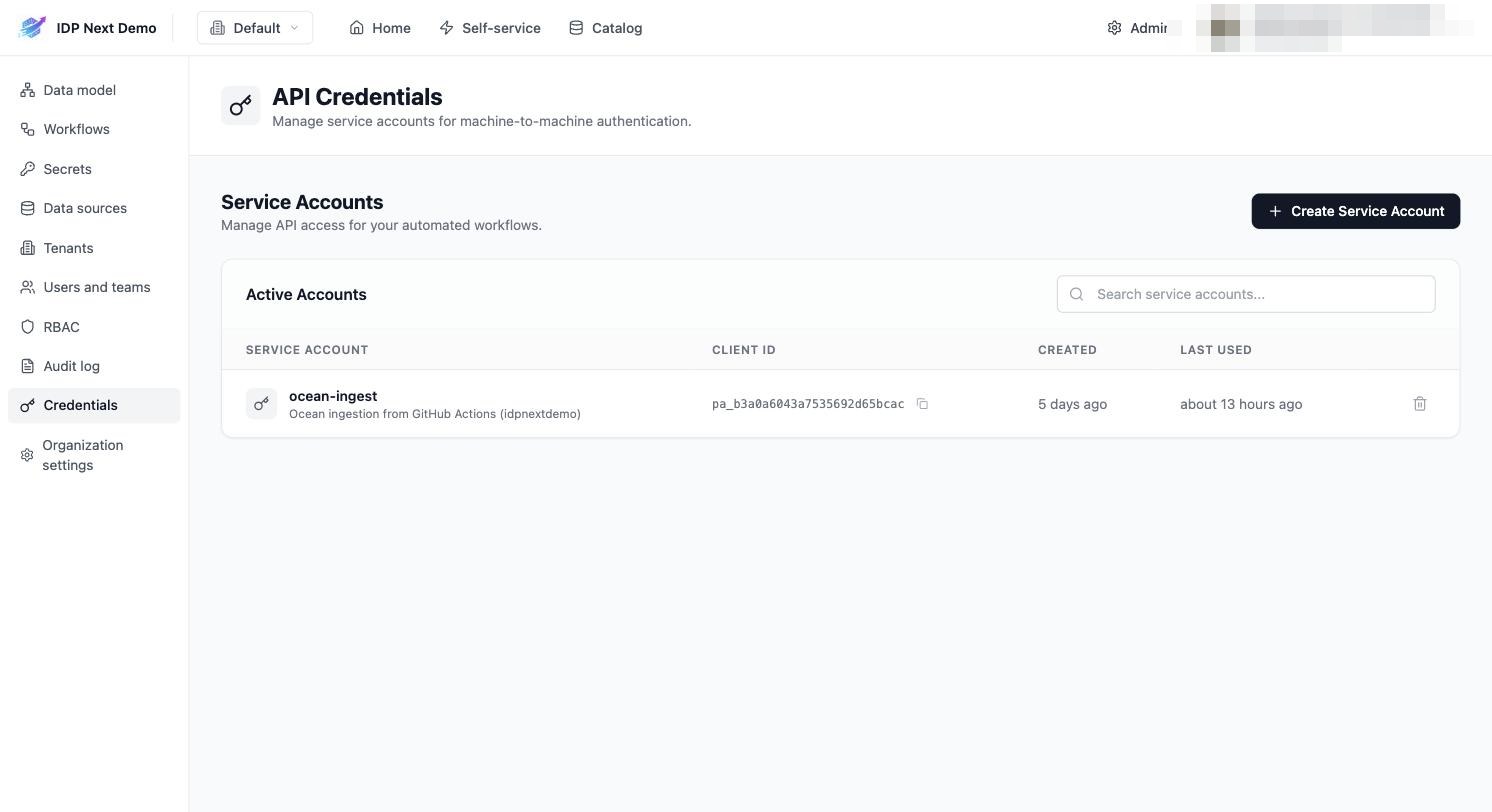
- Create Service Account → name + description → you get a Client ID (
pa_...) and a Client Secret (shown once). - Machines exchange these for a token via
POST /v1/auth/access_token(see API reference). - Last used shows whether an integration is actually authenticating.
- Delete an account to revoke access immediately.