
Appearance
Audit Log, Tenants & Organization
Audit log
Admin → Audit log is the compliance view over everything that happens in the platform:
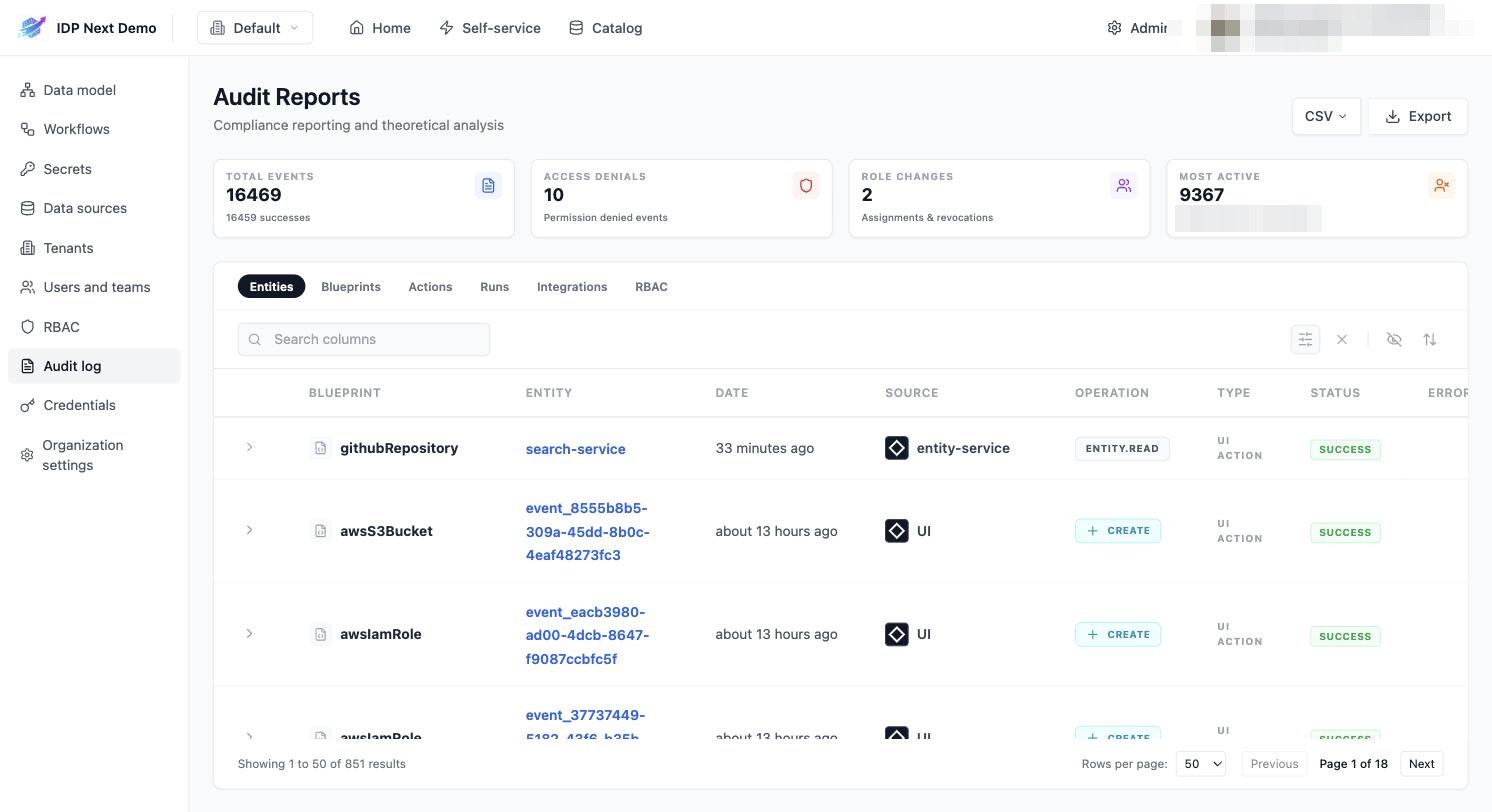
- Summary cards — total events, access denials, role changes, most active user.
- Tabs — filter by domain: Entities, Blueprints, Actions, Runs, Integrations, RBAC.
- Each event records the blueprint/entity, date, source (UI, entity-service, integration…), operation, type and status — including denied attempts.
- Export the current view as CSV for external reporting.
Every entity also has its own Audit Log tab on its detail page, scoped to that entity.
Tenants
Admin → Tenants manages environments:
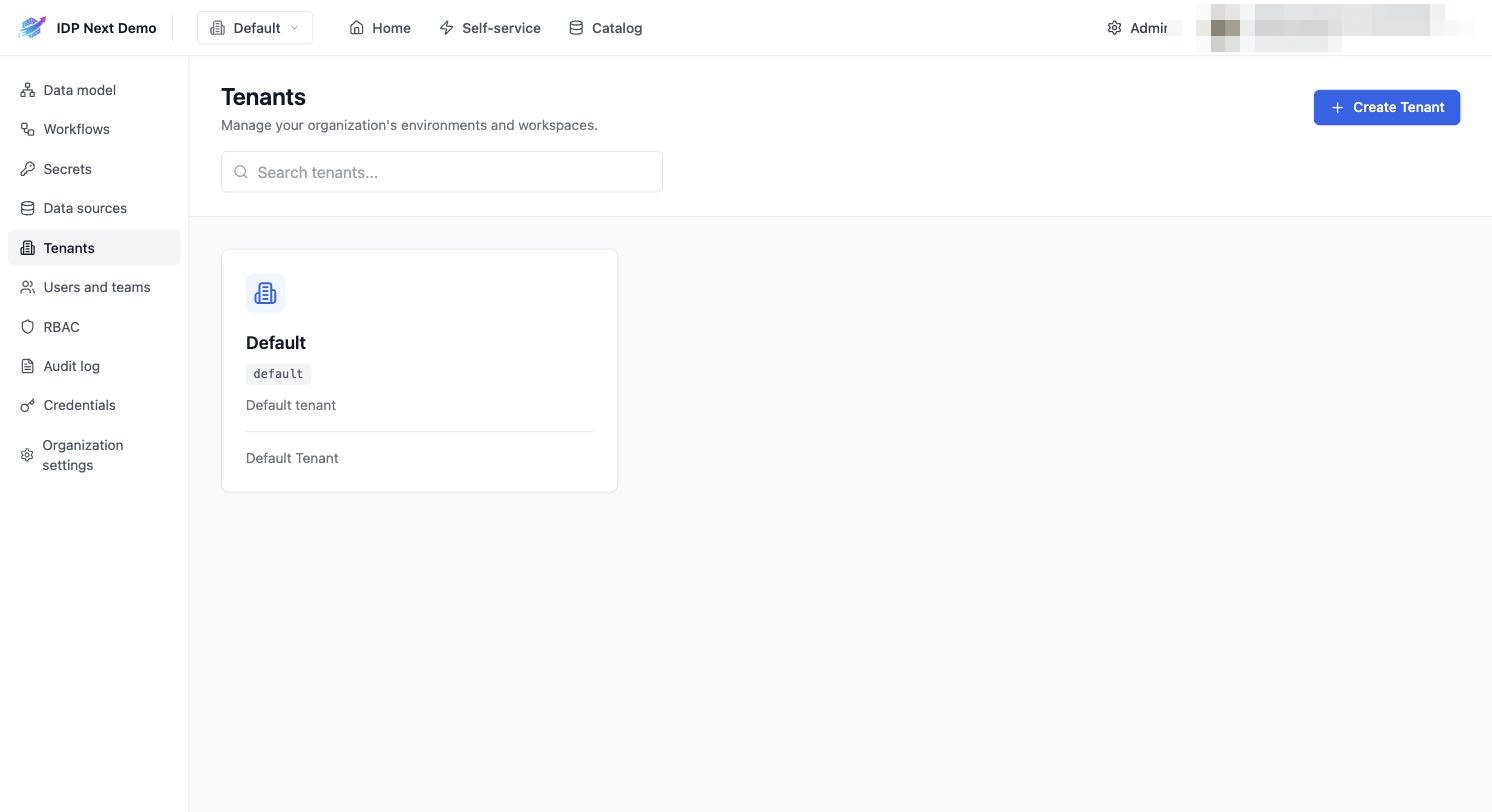
- Every organization starts with a Default tenant.
- Create Tenant adds an isolated environment (e.g.
staging,production): separate entities, catalog pages and role assignments, switched via the tenant picker in the header. - Blueprints and entities are scoped to (organization, tenant) — the same identifier can exist in two tenants independently.
- A new tenant is not empty: it is seeded with the system blueprints (
_user,_team, …) and every existing member and organization-wide team is synced into its catalog right away, so role assignments, team ownership and team-based form rules work there without re-inviting anyone. This runs in the background just after the tenant is created — allow a few seconds before the entities show up.
Organization settings
Admin → Organization settings:
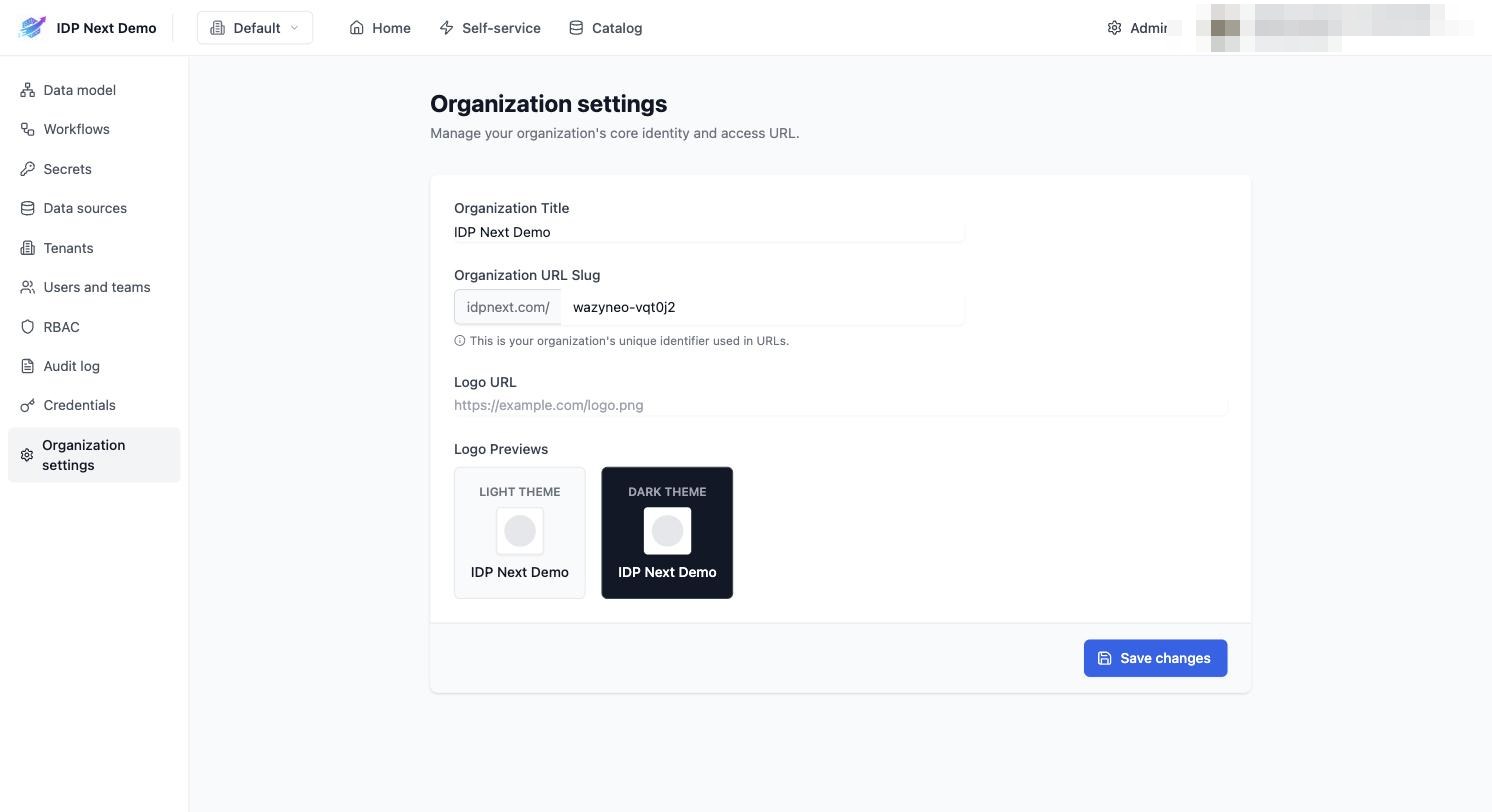
- Organization Title — display name in the header.
- URL Slug — the organization's unique identifier used in URLs.
- Logo URL — custom logo, previewed for light and dark themes.